

Newborn Photo Editing: How to Create Soft, Natural & Consistent Newborn Images
Photographing a newborn session is only part of creating a beautiful final gallery. What happens after the session can completely transform an image. Newborn photo editing comes with challenges that you don't encounter in quite the same way with other portrait sessions. Newborn skin can be red, yellow, purple, flaky, blotchy, or uneven. Blankets wrinkle. Backdrops need extending. Supporting hands may need to be removed from composites. And somehow, every image still needs to look like it belongs in the same gallery.
After years of photographing and editing newborn sessions, I've learned that beautiful newborn editing isn't about making an image look heavily retouched. It's about knowing what to correct..and what to leave alone.

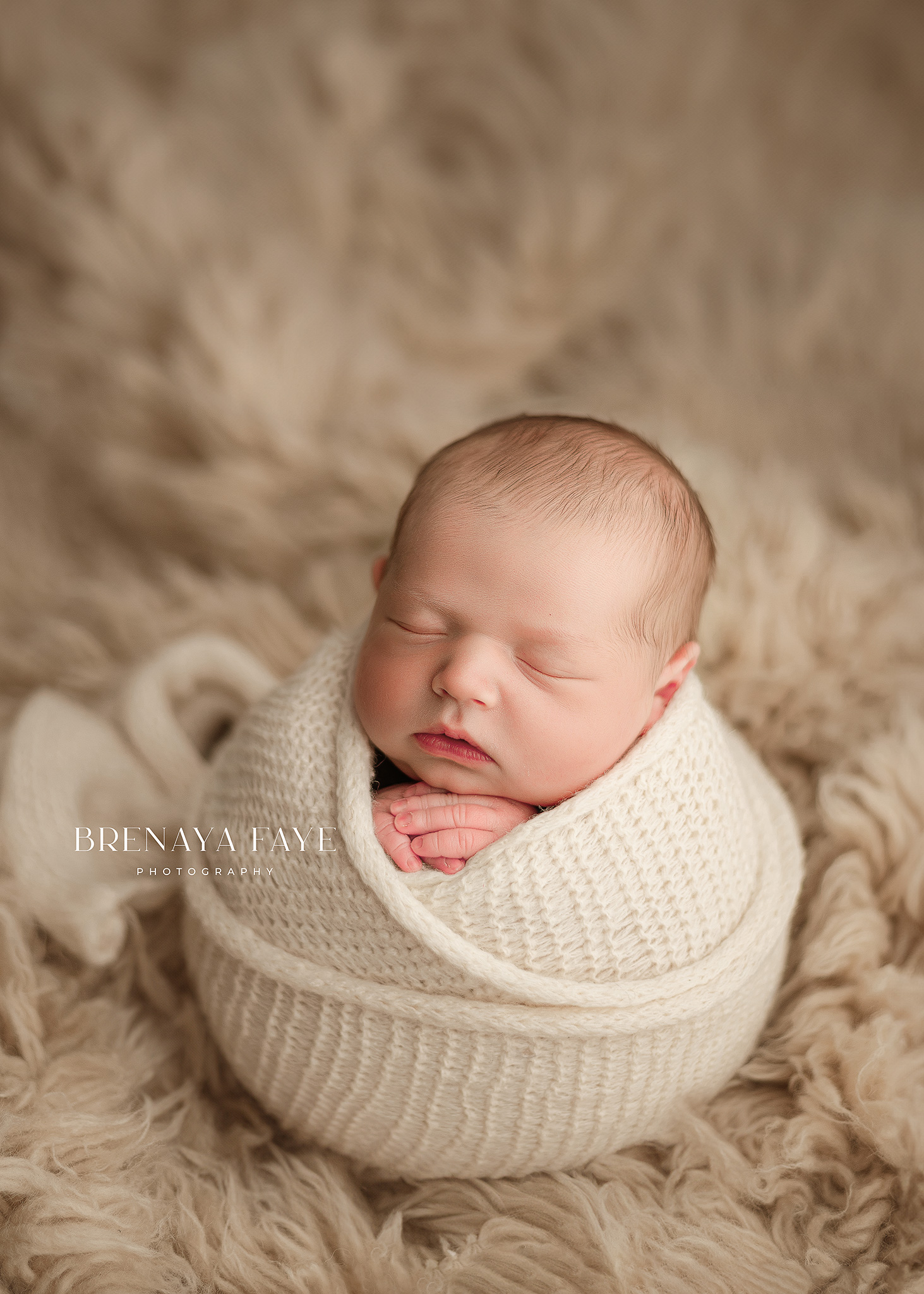
Why Newborn Photo Editing Is Different
Newborn skin is one of the biggest reasons editing these sessions can be challenging. Babies commonly have redness, dry or flaky skin, baby acne, scratches, and variations in skin tone. Professional newborn editing often involves balancing these variations while maintaining realistic skin texture. The goal isn't to make a baby's skin completely flawless. I want the finished image to look polished while still looking like their baby.
This distinction is incredibly important when you're learning how to edit newborn photos. Removing every line, flake and bit of texture can quickly create the overly smooth, plastic appearance we want to avoid.
1. Start With Your Overall Color
Before I start detailed retouching, I want the overall image in a good place.
That means looking at things like:
- White balance
- Exposure
- Highlights and shadows
- Contrast
- Overall color
- Skin tone
White balance is particularly important with newborn photography because even a relatively small color shift can make already red newborn skin appear even more magenta or make warmer skin look overly yellow. Lightroom's color and HSL controls can be especially useful for correcting reds and oranges without dramatically changing the entire image. Don't start removing every tiny blemish before getting your overall color right. You may find that correcting your white balance and color eliminates some of what you thought needed extensive retouching.
2. Correct Newborn Skin Without Removing Its Texture
This is where newborn photo editing can get tricky. I want soft skin, but I don't want blurred skin. Depending on the baby, I may address: Redness and blotchiness. Newborn hands, feet and faces can have dramatically different colors. Dry or flaky skin. I'll clean up distracting areas while still leaving enough texture for the skin to look real. Temporary scratches or blemishes. These can usually be softened or removed. Baby acne. I generally clean this up while maintaining the baby's natural skin underneath. My rule is that the retouching shouldn't be the first thing you notice. When you look at the finished photograph, you should see the baby, not Photoshop.
3. Clean Up the Background
This is one of those details that can take an image from looking unfinished to polished. With newborn sessions, I regularly work with blankets, fabrics, backdrops and posing setups. That means newborn photo editing can include things like:
- Smoothing distracting wrinkles
- Removing lint
- Extending backdrops
- Correcting uneven areas
- Cleaning up edges
- Removing distracting objects
The key is making these corrections look like they were never made. If someone can immediately tell where a backdrop was extended, we aren't finished yet.
4. Learn How to Create Clean Newborn Composites
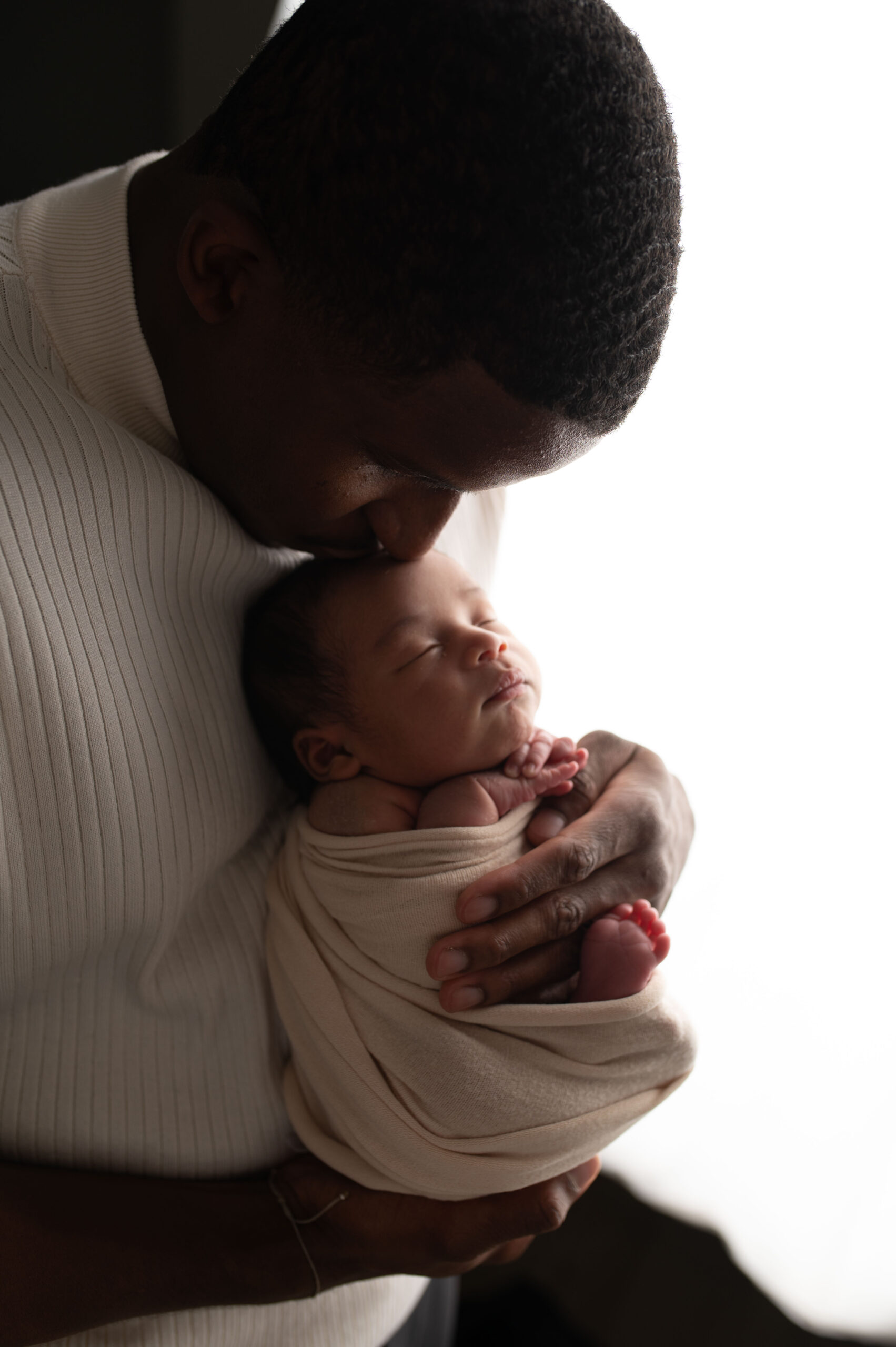
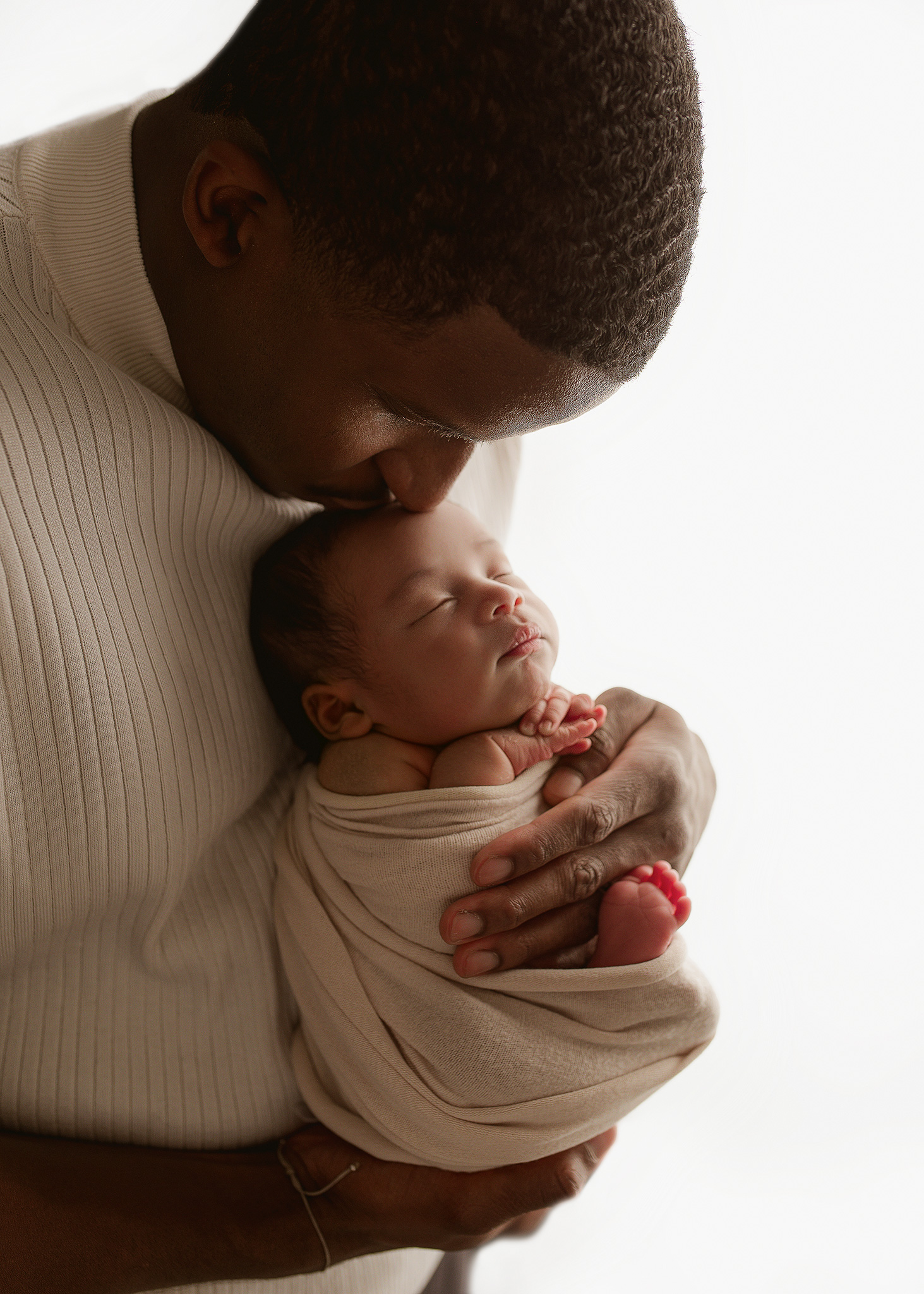
Compositing is another important editing skill for newborn photographers. Some newborn poses should be created from multiple photographs rather than attempting to achieve the finished image entirely in camera. Editing allows the photographer to combine those photographs and remove supporting hands while maintaining the appearance of one seamless image. And this is an area where Photoshop skills become particularly valuable. While Lightroom is excellent for broad color and tonal adjustments, Photoshop gives photographers much greater control for detailed retouching and compositing. Safety always comes before creating the shot. I'd much rather spend additional time creating a seamless composite than compromise a baby's safety for an image.
5. Don't Forget Gallery Consistency
You can beautifully edit 30 individual photographs and still end up with a gallery that doesn't feel polished. Why? Consistency. One image shouldn't have creamy warm skin while the next is dramatically pink and another is cool. When I'm editing a newborn gallery, I'm not only looking at each photograph individually. I'm paying attention to how the images look together. Exposure, white balance, skin tones, contrast and overall color should flow throughout the gallery. This is one reason having an established newborn editing workflow can save so much time. Lightroom's ability to synchronize adjustments across images can also help establish a consistent starting point before making image specific corrections.
6. Know When to Stop Editing
This may be one of the hardest editing skills to learn. It's incredibly easy to zoom in to 200% and suddenly find 47 things you think need to be fixed. Zoom back out. Ask yourself: Would I actually notice this when viewing the finished photograph? Not every wrinkle needs smoothing. Not every flake needs removing. Not every shadow needs lifting. Some of the best newborn photo editing is knowing when the image is finished.
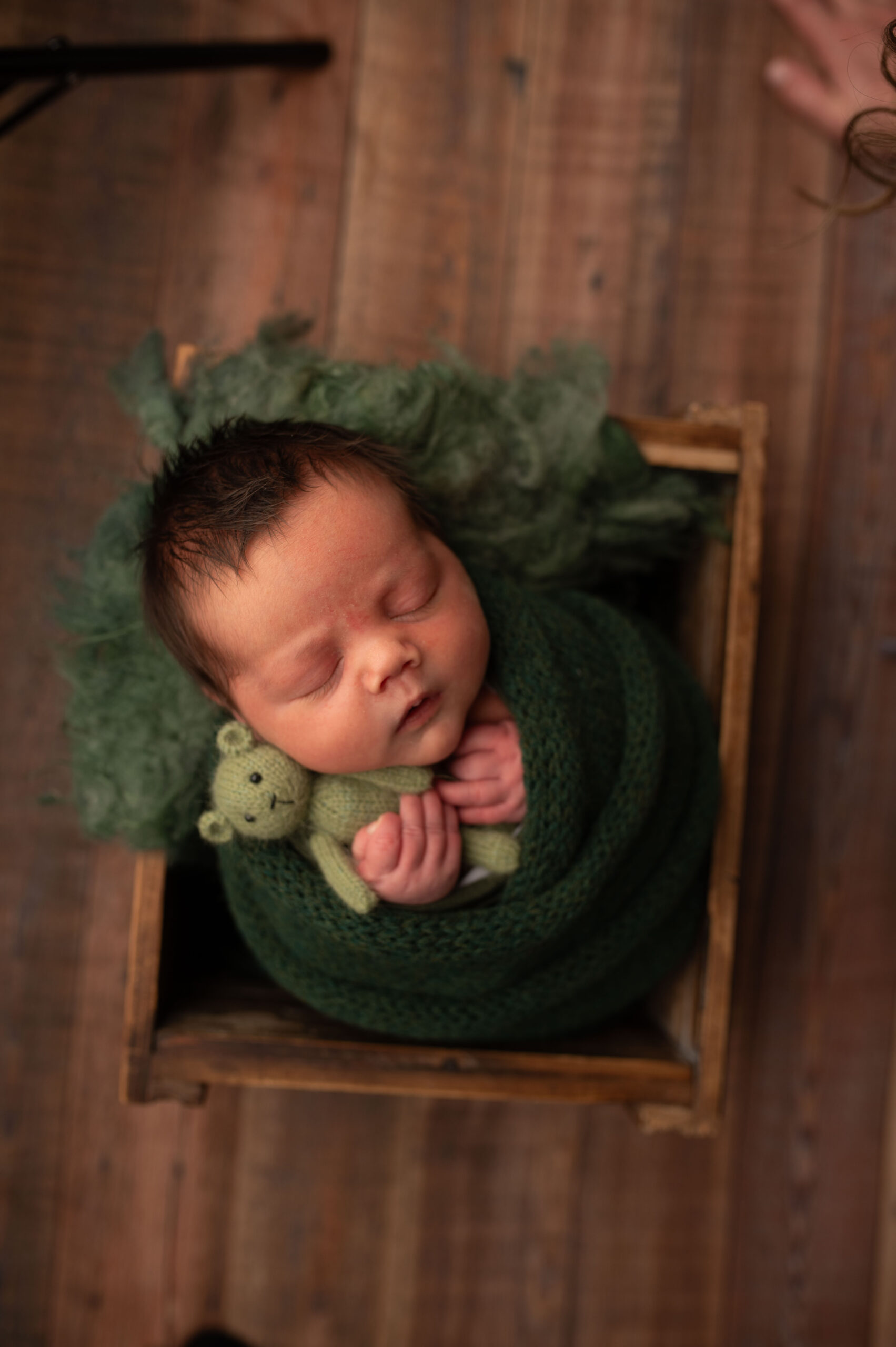

Struggling With Newborn Photo Editing?
Learning Lightroom and Photoshop is one thing. Knowing why your image doesn't look the way you want it to is another. If you're a photographer struggling with newborn skin tones, color consistency, composites, background cleanup or detailed retouching, I now offer 1:1 Newborn Photo Editing Mentorships.
During your private 90 minute Zoom session, we'll work through your actual images together and focus on the areas where you need help rather than following a generic editing course. We can cover Lightroom, Photoshop, Evoto, newborn skin retouching, color correction, composites, background extending, gallery consistency and my start to finish editing workflow.
Prefer to outsource your editing?
I also offer professional editing services for photographers who would rather spend their time photographing clients than sitting behind the computer.